


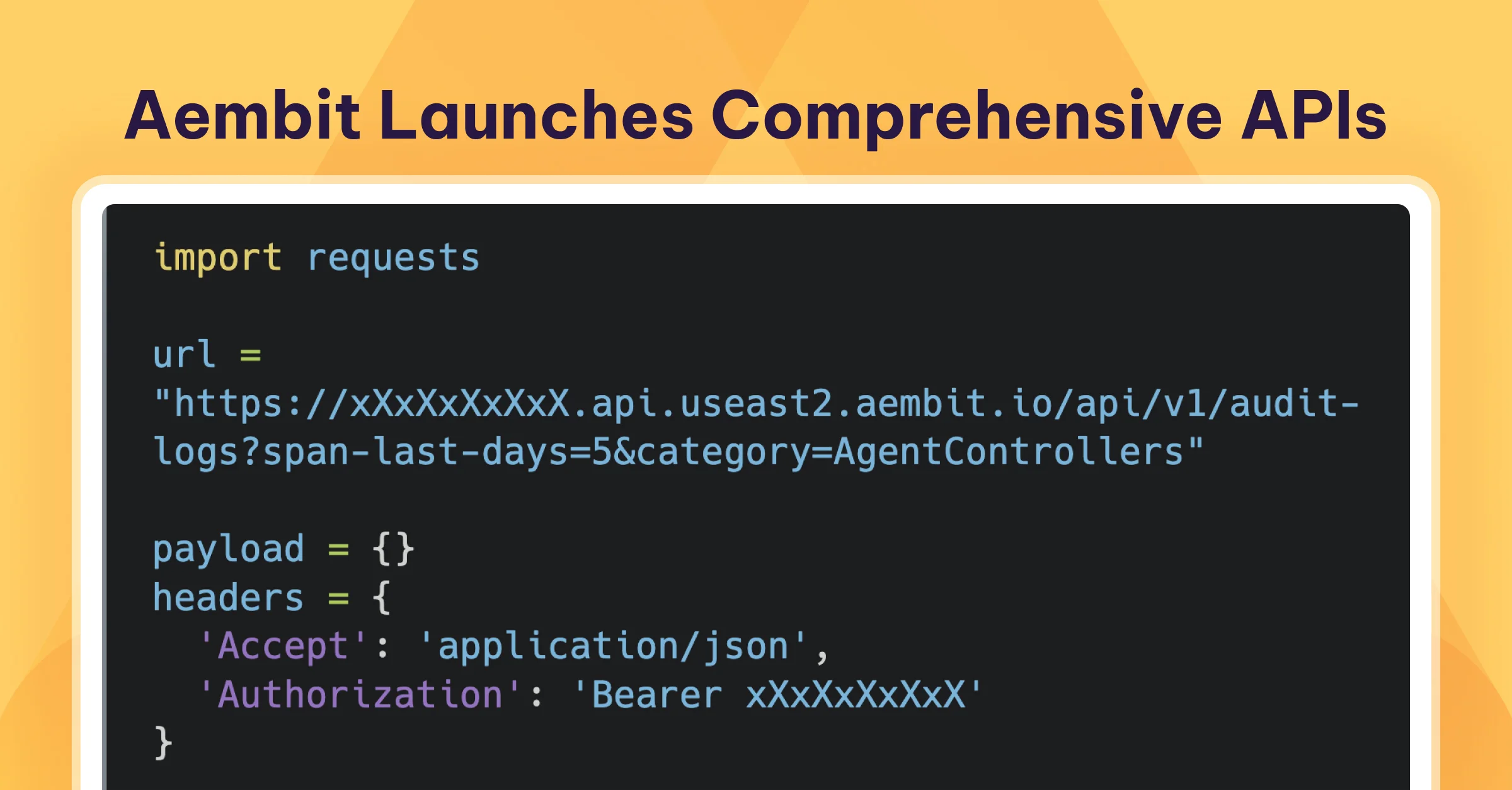
Customers operating at a massive scale have made it clear that automation is essential. Aembit is excited to announce the public release of our lightweight yet comprehensive REST API, which allows clients to fully deploy, manage, and monitor their Aembit Workload IAM tenant.
For SaaS workload identity management tools, leveraging an API can significantly benefit both developers and DevOps teams. REST APIs offer a standardized, scalable, and flexible approach that enhances how identity management tools are integrated and used in modern software environments.
Not Just Any API
Aembit’s focus on machine and non-human identities means we hear firsthand how different developers and organizations use APIs, and we’ve built ours to be flexible. Authentication can be handled using a dynamically generated session key for each administrator or by using Aembit itself, which utilizes OIDC (OpenID Connect) ID tokens to enhance security.
The API includes all the calls needed to deploy, configure, manage, and monitor a complete Aembit deployment. It can also be used in parallel with Terraform and the Aembit Cloud admin portal.
Aembit’s API includes versioning, ensuring your code doesn’t break as new features and functionality are introduced, allowing you to upgrade at your own pace.
Resource Sets, which enable a multi-tenant experience for a single organization tenant, are also supported by the API.
An OpenAPI YAML file is available to provide easy-to-read API definitions.
Not Just Any API Documentation
Aembit’s API documentation is not only detailed but also interactive. Simply copy your Bearer Token and Base URL from the Aembit admin portal, and you can securely make API calls and see responses before writing a single line of code.
When it’s time to start coding, we provide examples in cURL, Go, and Python to help accelerate your projects.
In this example, we query API Health using the interactive documentation.

API Examples
Example 1:
Searching logs for all Agent Controller events in the last 5 days.
REQUEST (PYTHON CODE)
					import requests

url = "https://xXxXxXxXxX.api.useast2.aembit.io/api/v1/audit-logs?span-last-days=5&category=AgentControllers"

payload = {}
headers = {
  'Accept': 'application/json',
  'Authorization': 'Bearer xXxXxXxXxX'
}

response = requests.request("GET", url, headers=headers, data=payload)

print(response.text)
RESULT
					{
  "statusCode": 200,
  "recordsTotal": 4,
  "auditLogs": [
	{
  	"externalId": "2baf4ea1-373f-4544-a08b-471f7d56215f",
  	"resourceSetId": "ffffffff-ffff-ffff-ffff-ffffffffffff",
  	"category": "AgentControllers",
  	"actor": {
    	"type": "System",
    	"displayName": "",
    	"userName": "",
    	"email": ""
  	},
  	"activity": "registered agent controller",
  	"target": "AshurUTMonMacUbuntu",
  	"client": {
    	"ipAddress": "24.5.75.168",
    	"userAgent": {
      	"browser": "Other",
      	"operatingSystem": "Linux",
      	"raw": "grpc-dotnet/2.63.0 (.NET 8.0.8; CLR 8.0.8; net8.0; linux; arm64) AembitAgentController/1.17.1531"
    	}
  	},
  	"outcome": {
    	"reason": "RegisteredAgentController",
    	"result": "Success"
  	},
  	"severity": "Info",
  	"createdAt": "2024-09-20T00:07:20.3082728Z"
	},
	{
  	"externalId": "124ca5da-fb21-44f7-a8b5-xXxXxXxXxXcb4a6",
  	"resourceSetId": "ffffffff-ffff-ffff-ffff-ffffffffffff",
  	"category": "AgentControllers",
  	"actor": {
    	"type": "User",
    	"displayName": "Ashur Admin",
    	"userName": "example@aembit.io",
    	"email": "example@aembit.io"
  	},
  	"activity": "generated agent controller device code",
  	"target": "AshurUTMonMacUbuntu",
  	"client": {
    	"ipAddress": "24.5.75.168",
    	"userAgent": {
      	"browser": "Safari",
      	"operatingSystem": "Mac OS X",
      	"raw": "Mozilla/5.0 (Macintosh; Intel Mac OS X 10_15_7) AppleWebKit/605.1.15 (KHTML, like Gecko) Version/17.6 Safari/605.1.15"
    	}
  	},
  	"outcome": {
    	"reason": "GetDeviceCode",
    	"result": "Success"
  	},
  	"severity": "Info",
  	"createdAt": "2024-09-20T00:05:54.8908834Z"
	},
	{
  	"externalId": "d6a71393-f0c3-462b-aa58-xXxXxXxXxX2d8fc",
  	"resourceSetId": "ffffffff-ffff-ffff-ffff-ffffffffffff",
  	"category": "AgentControllers",
  	"actor": {
    	"type": "System",
    	"displayName": "",
    	"userName": "",
    	"email": ""
  	},
  	"activity": "registered agent controller",
  	"target": "AshurLab-MBP",
  	"client": {
    	"ipAddress": "24.5.75.168",
    	"userAgent": {
      	"browser": "Other",
      	"operatingSystem": "Linux",
      	"raw": "grpc-dotnet/2.55.0 (.NET 7.0.18; CLR 7.0.18; net7.0; linux; arm64) AembitAgentController/1.14.1074"
    	}
  	},
  	"outcome": {
    	"reason": "RegisteredAgentController",
    	"result": "Success"
  	},
  	"severity": "Info",
  	"createdAt": "2024-09-19T20:36:16.994277Z"
	},
	{
  	"externalId": "543139cd-f6b2-40d6-a848-xXxXxXxXxXe939871b",
  	"resourceSetId": "ffffffff-ffff-ffff-ffff-ffffffffffff",
  	"category": "AgentControllers",
  	"actor": {
    	"type": "User",
    	"displayName": "Ashur Admin",
    	"userName": "example@aembit.io",
    	"email": "example@aembit.io"
  	},
  	"activity": "generated agent controller device code",
  	"target": "AshurLab-MBP",
  	"client": {
    	"ipAddress": "24.5.75.168",
    	"userAgent": {
      	"browser": "Safari",
      	"operatingSystem": "Mac OS X",
      	"raw": "Mozilla/5.0 (Macintosh; Intel Mac OS X 10_15_7) AppleWebKit/605.1.15 (KHTML, like Gecko) Version/17.6 Safari/605.1.15"
    	}
  	},
  	"outcome": {
    	"reason": "GetDeviceCode",
    	"result": "Success"
  	},
  	"severity": "Info",
  	"createdAt": "2024-09-19T20:35:59.0645229Z"
	}
  ],
  "page": 1,
  "perPage": 100,
  "order": "id desc"
}
Example 2:
Getting all policies for a specific Client and Server workload pair. This is case Kubernetes to Microsoft Graph.
REQUEST (GO CODE)
					package main

import (
  "fmt"
  "net/http"
  "io/ioutil"
)

func main() {

  url := "https://xXxXxXxXxX.api.useast2.aembit.io/api/v1/access-policies/getByWorkloadIds/7db0ee9e-220c-4167-890b-113dc/ccdf0356-9a95-8b32bef5c29"
  method := "GET"

  client := &http.Client {
  }
  req, err := http.NewRequest(method, url, nil)

  if err != nil {
	fmt.Println(err)
	return
  }
  req.Header.Add("Accept", "application/json")
  req.Header.Add("Authorization", "Bearer xXxXxXxXxX")

  res, err := client.Do(req)
  if err != nil {
	fmt.Println(err)
	return
  }
  defer res.Body.Close()

  body, err := ioutil.ReadAll(res.Body)
  if err != nil {
	fmt.Println(err)
	return
  }
  fmt.Println(string(body))
RESULT
					{
  "clientWorkload": null,
  "trustProviders": [],
  "accessConditions": [],
  "credentialProvider": {
	"type": "oauth-client-credential",
	"lifetimeTimeSpanSeconds": 0,
	"lifetimeExpiration": null,
	"providerDetailJSON": "{\"Url\":\"https://login.microsoftonline.com/0e303ff0--8e8f-29d64xXxXxXxXxX6a/oauth2/v2.0/token\",\"ClientID\":\"680240f7-xXxXxXxXxX-ddebdf79b1d9\",\"SensitiveDataId\":\"27a340be-xXxXxXxXxX-b88f-f6e257095bda\",\"Scope\":\"https://graph.microsoft.com/.default\",\"CredentialStyle\":\"authHeader\",\"Type\":\"oauth-client-credential\",\"LifetimeTimeSpanSeconds\":0,\"ResourceSetId\":1,\"ExternalId\":\"d6081303-4186-46b1-ae72-4e6c748124e8\",\"Name\":\"MSFT\",\"Description\":\"\",\"IsActive\":true,\"CreatedAt\":\"2024-04-09T20:49:59.087392\",\"CreatedBy\":\"example@aembit.io\",\"ModifiedAt\":\"2024-04-09T20:49:59.087392\",\"ModifiedBy\":\"example@aembit.io\"}",
	"resourceSet": "00000000-0000-0000-0000-000000000000",
	"externalId": "d6081303-4186-46b1-ae72-4e6c748124e8",
	"name": "MSFT",
	"description": "",
	"isActive": true,
	"tags": [],
	"createdAt": "2024-04-09T20:49:59.087392",
	"modifiedAt": "2024-04-09T20:49:59.087392",
	"createdBy": "example@aembit.io",
	"modifiedBy": "example@aembit.io"
  },
  "serverWorkload": null,
  "policyNotes": [],
  "resourceSet": "00000000-0000-0000-0000-000000000000",
  "externalId": "964d77f4-32ff-42cc-87cf-6bd79db14341",
  "name": "Placeholder",
  "description": "",
  "isActive": true,
  "tags": null,
  "createdAt": "2024-04-09T20:51:10.381395",
  "modifiedAt": "2024-06-26T20:21:00.809871",
  "createdBy": "example@aembit.io",
  "modifiedBy": "example@aembit.io"
}
Quickly getting workload IDs from logs:

In conclusion, REST APIs (watch the demo below!) provide significant benefits for automating, deploying, managing, and monitoring non-human identity management tools. By leveraging APIs, developers and DevOps teams can achieve greater efficiency, scalability, and control, leading to more secure and agile identity management practices. As software environments grow increasingly complex, the role of APIs in streamlining and optimizing identity management will become even more critical.
To access Aembit’s API today and learn more, please visit our Docs site.


